

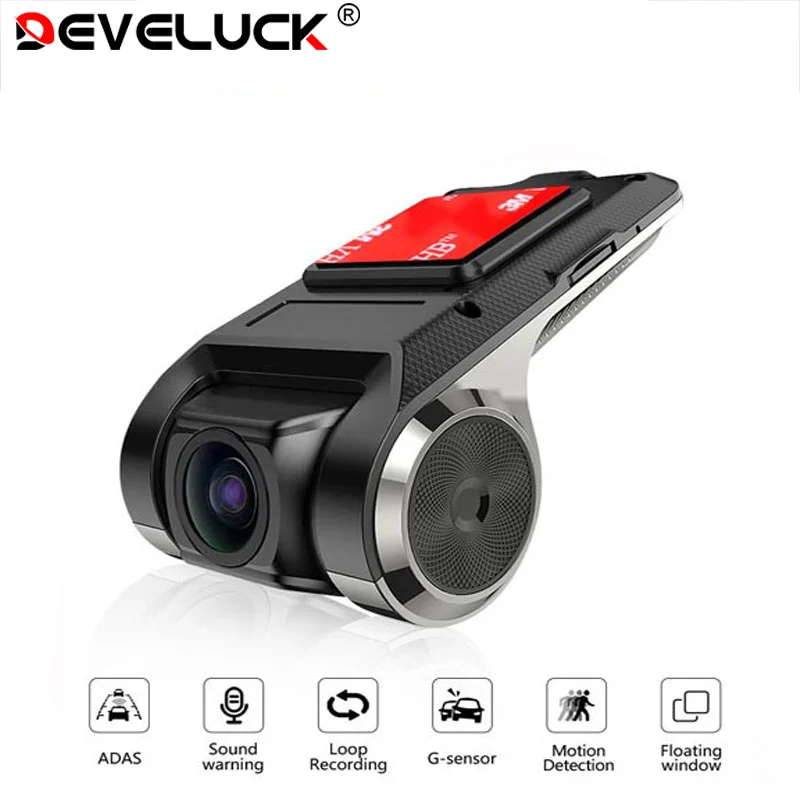
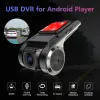
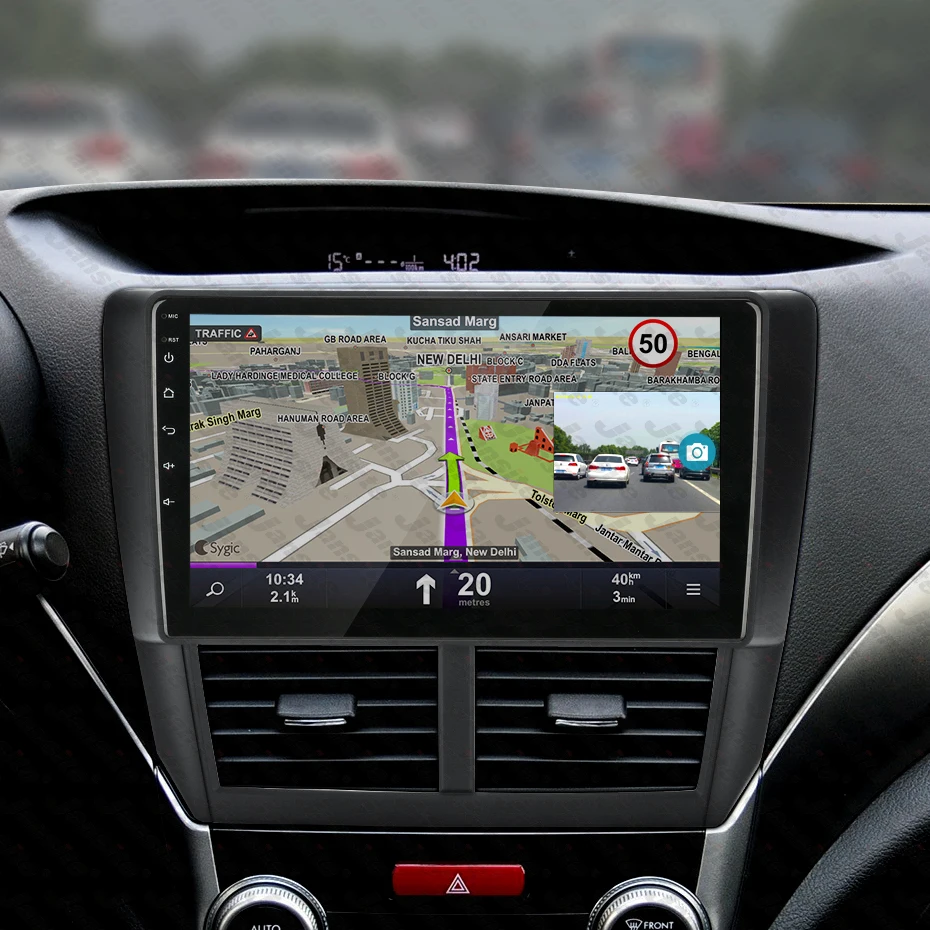
Develuck USB ADAS Full HD Car DVR Dash Cam For DVD Android Player Navigation Head Unit/Auto Audio Voice Alarm Video Recording
Price range: $30.73 through $56.05
- Weight: 0.2kg
- Power Source: Corded Electric
- Loop-Cycle Recording Feature: YES
- Audio Recorded: YES
- NightShot Function: YES
- Rear Camera: NONE
- Battery Life: Connect car charger use
- Original Package: YES
- Touch Screen: no
- Screen Ratio: NONE
- Memory Card Required Reding Speed: Class 10
- View angle: 150-160
- Camera Resolution: 1280×720
- Video Code: H.264
- Video Format: AVI,MP4
- Special Features: G-sensor,Digital Zoom,Anti Surge Voltage Impact,Anti Fog,Anti Vibration,Real Time Surveillance,Wide Dynamic Range
- Max External Memory: 32G
- Number Of Lenses: 1
- Imaging Sensor: Cmd Ov7950
- Pixels: 500Mega
- Display Size: <3"
- OSD Language: Chinese (Simplified),Chinese (Traditional),English,Japanese,Korean,Russian,Spanish
- GPS logger: NONE
- Interface: USB2.0,Micro SD/TF
- Battery: None
- Assembly Mode: Hidden Type
- Chipset Manufacturer: Allwinner
- Frames Per Second: 25
- Brand Name: Develuck
- Origin: Mainland China
- Item Type: Car DVR
- Certification: CE
Dear customers and friends. Brand new recorder and air pump on the shelf. To celebrate the launch of the new product. I gave out big coupons. Use with discounts. It is limited to one month. There are a lot of discounts. Don't miss it.

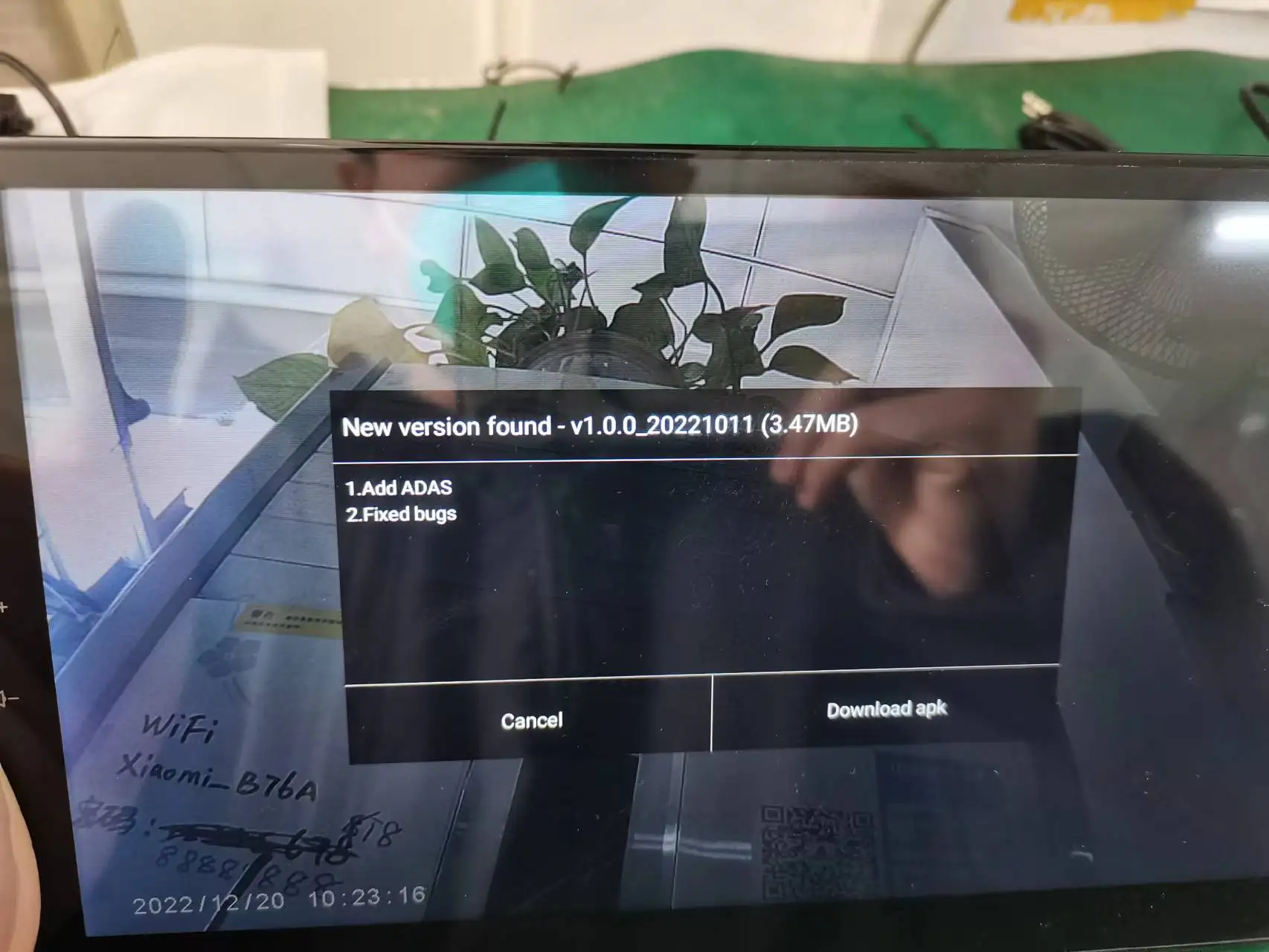
After the first installation of DVR, you need to connect to the network for application upgrade to experience all functions
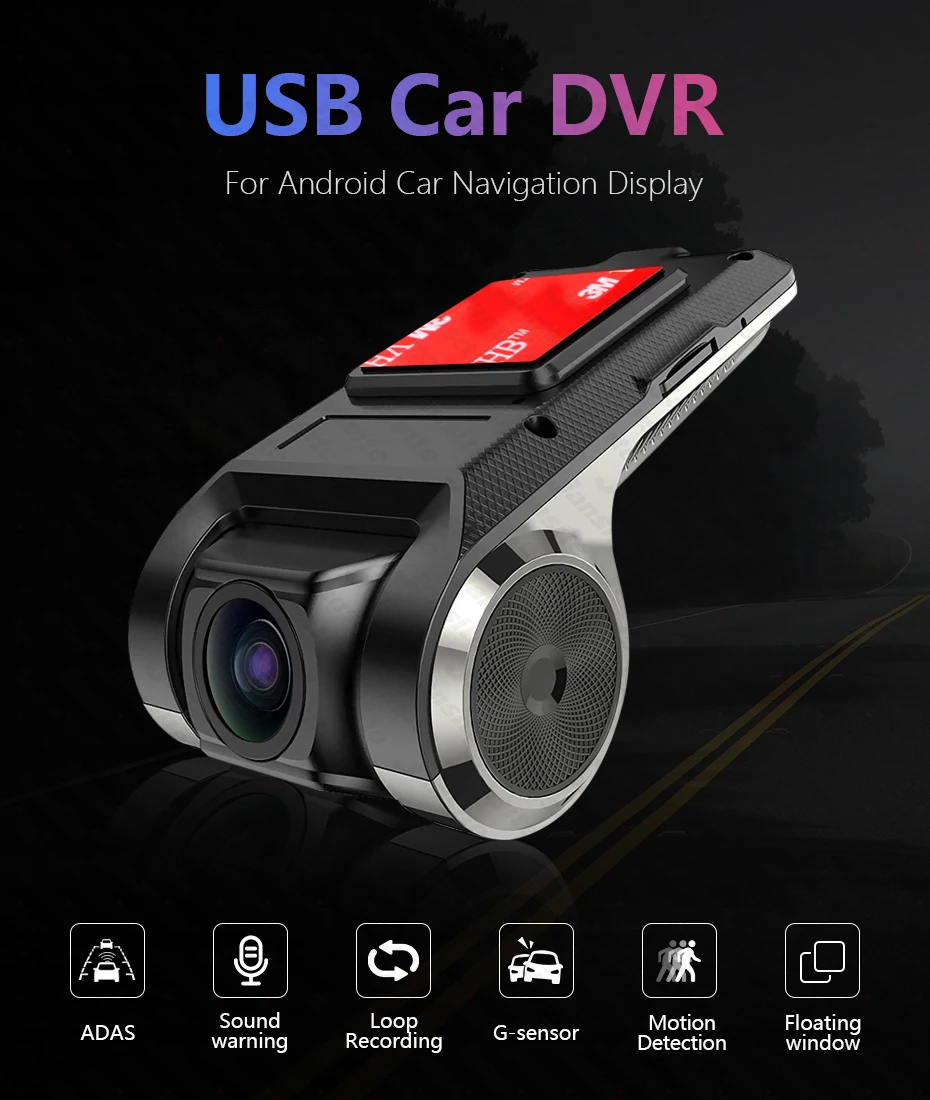
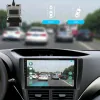
ADAS Function
If you receive a DVR without firmware, please consult the seller. The seller will provide you with the new firmware.
The ADAS feature needs to be updated once it is connected to the network.
LDWS Function
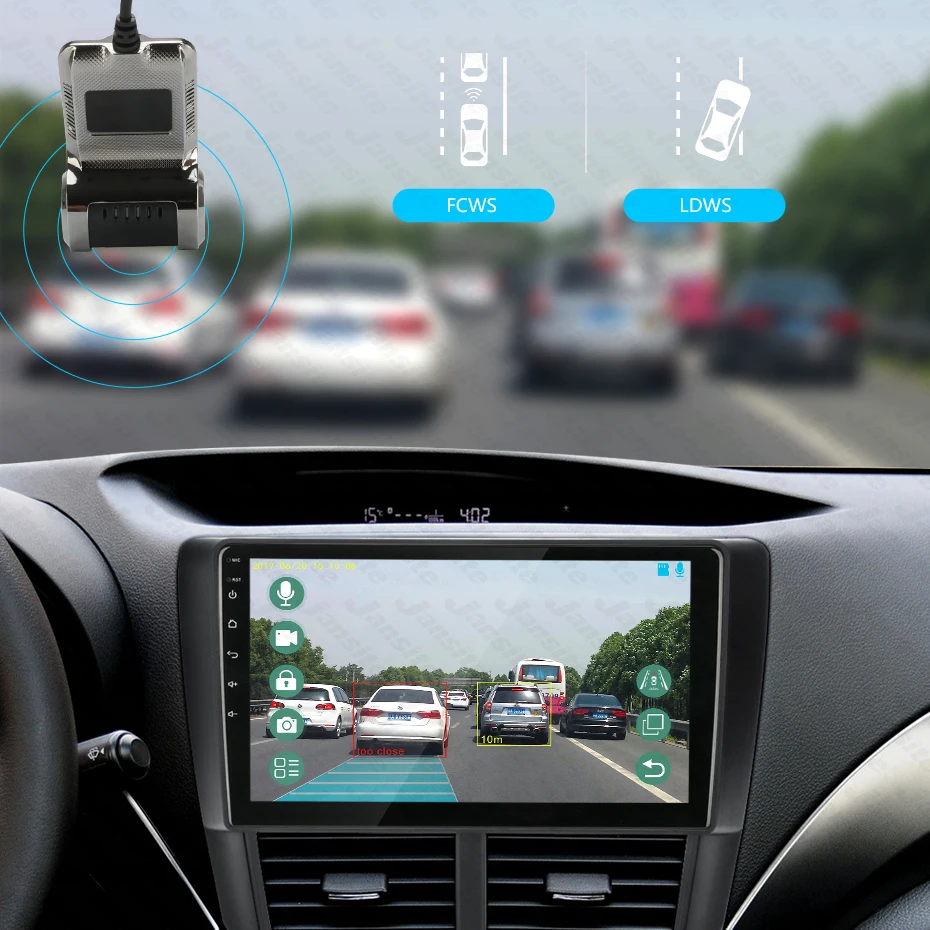
Drowsy or distracted driving greatly increases the chance of an accident on the road. The LDWS will alert the driver with English voice when the vehicle goes off lane in a speed over 50 km/h.
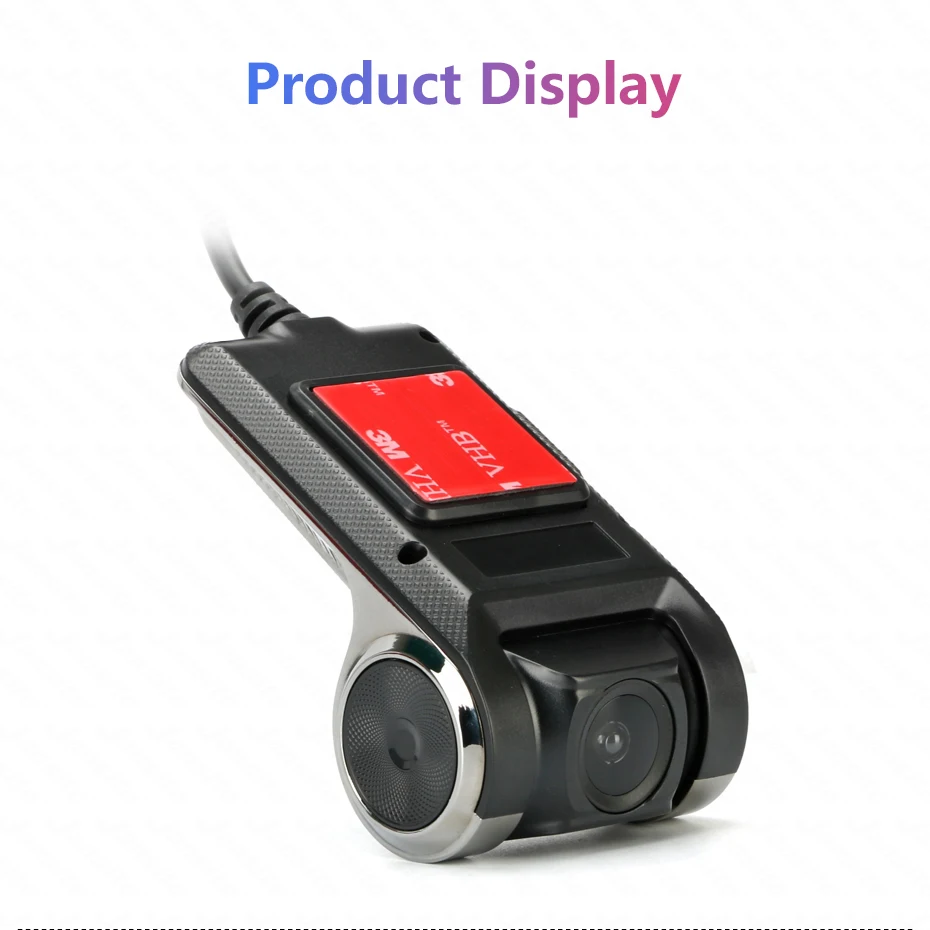
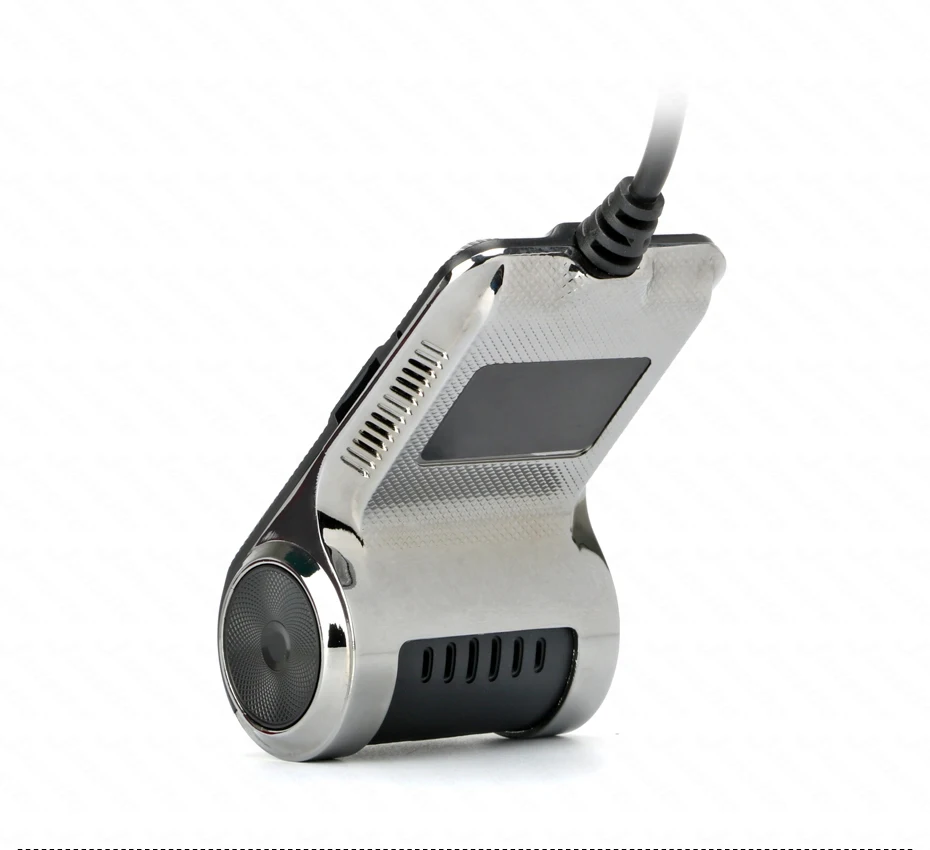
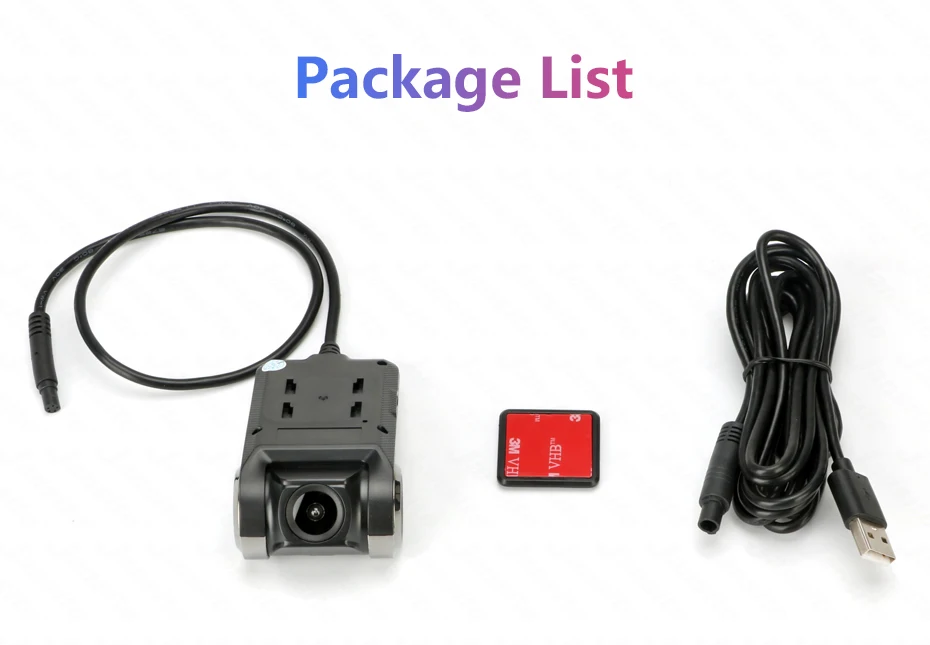
⭐⭐⭐⭐⭐— mainly produces and sells car radios. It has 1GB + 16GB / 2GB + 32GB / 4GB + 64GB, WiFi and 4G versions, the latest real Android 9.0 version, etc. It is committed to providing buyers with a better experience and welcome Working with wholesale customers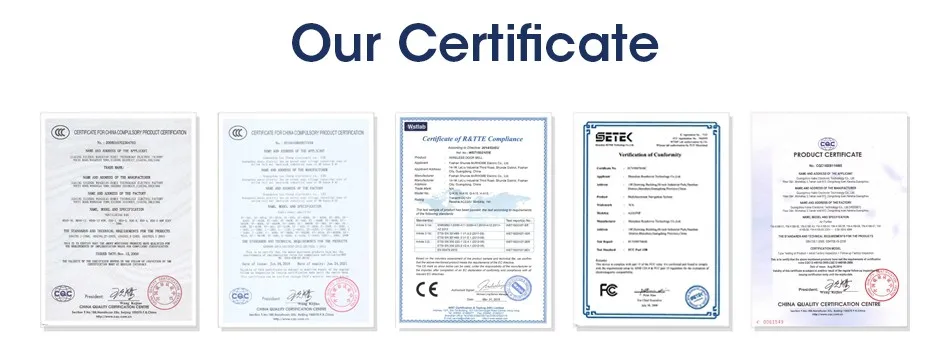
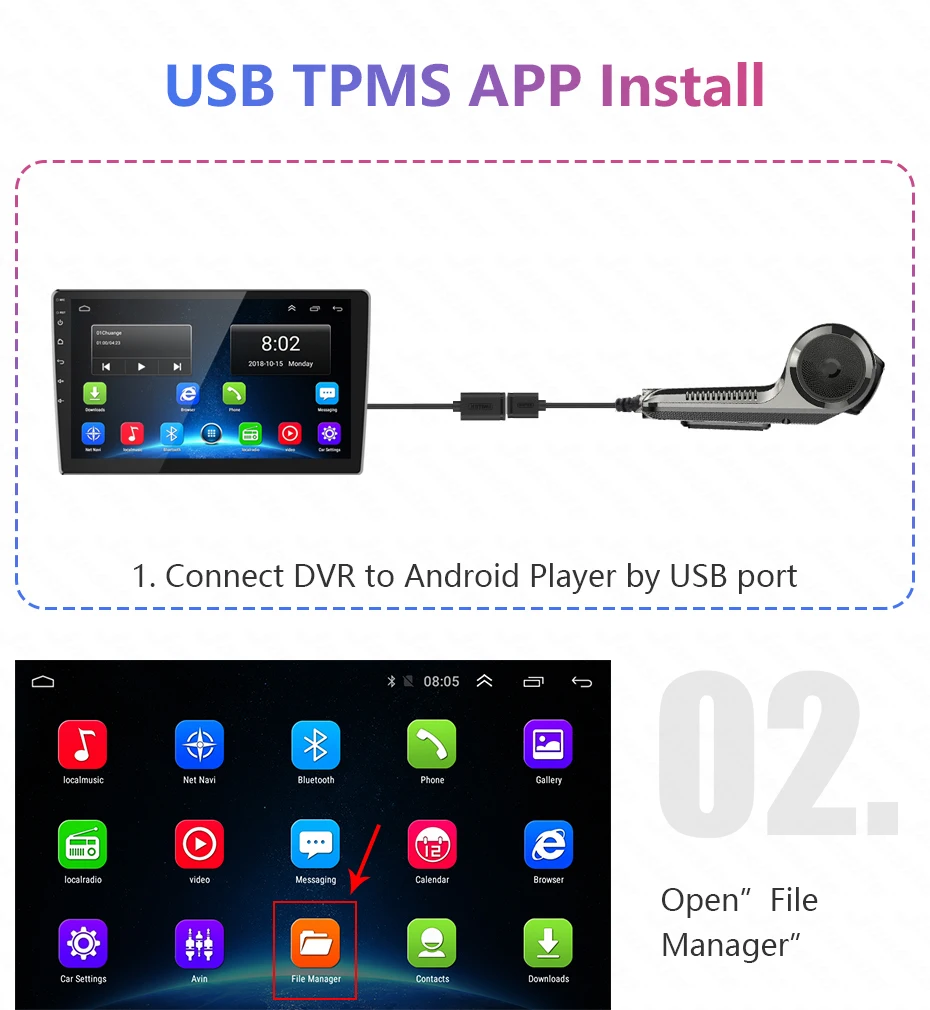
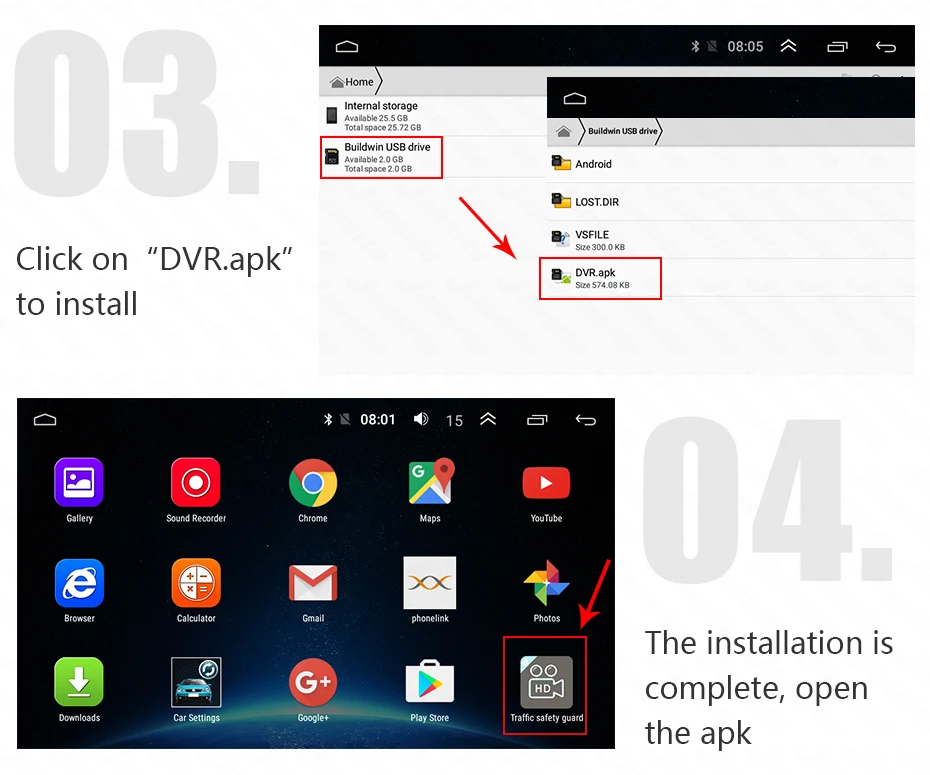
Q: How do I install the DVR application?
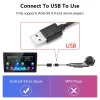
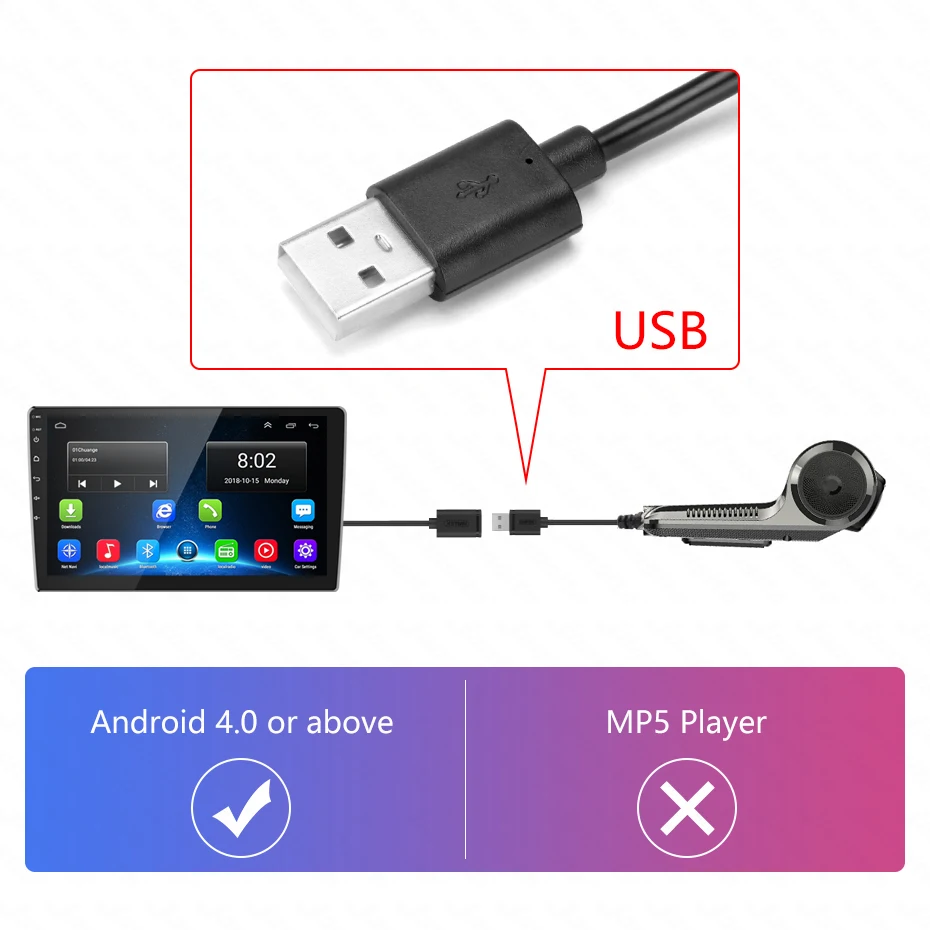
A: We have reinstalled the application in dvr, just connect to your car radio, enter the file manager, find the Buildwin USB drive, click to enter, and then click to run "DVR.apk" to install and then complete;
Q: How to make ADAS work properly?
A: Enter the settings of the DVR application, find ADAS, and turn on all functions. It may be necessary to update the software. It is easy. Just connect to the wifi and click Update;
Q: Can dvr be connected to a phone or have wifi / Bluetooth capabilities?
A: No, not all of them are supported;
Q: How to watch the video recorded by DVR?
A: DVD is just to watch the video in real time. If you want to watch the video, please remove the SD card and then use a card reader to connect to the computer to watch;
No ratings yet
Reviews
There are no reviews yet.