

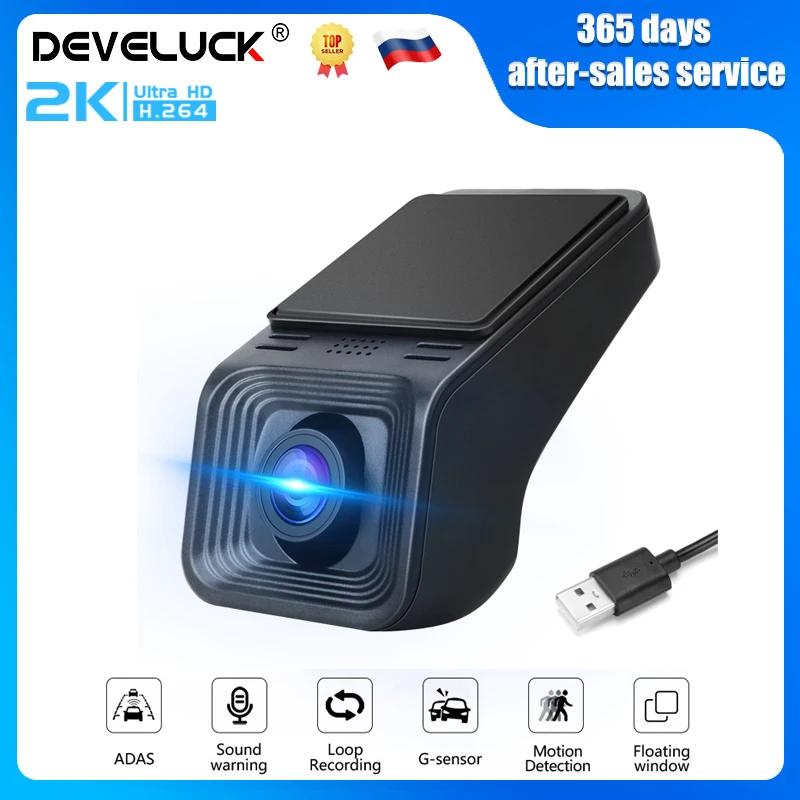
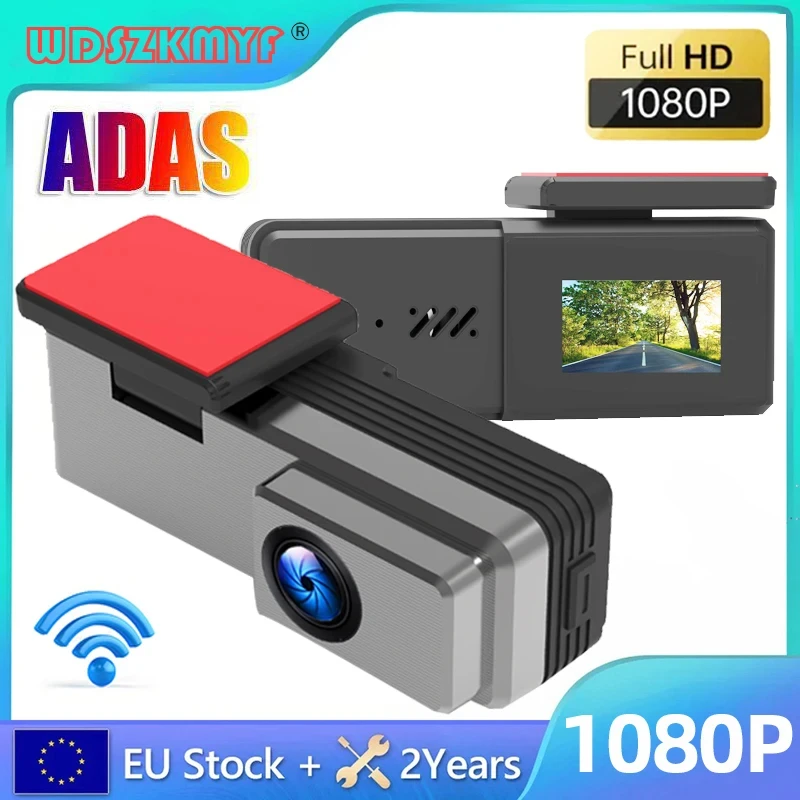
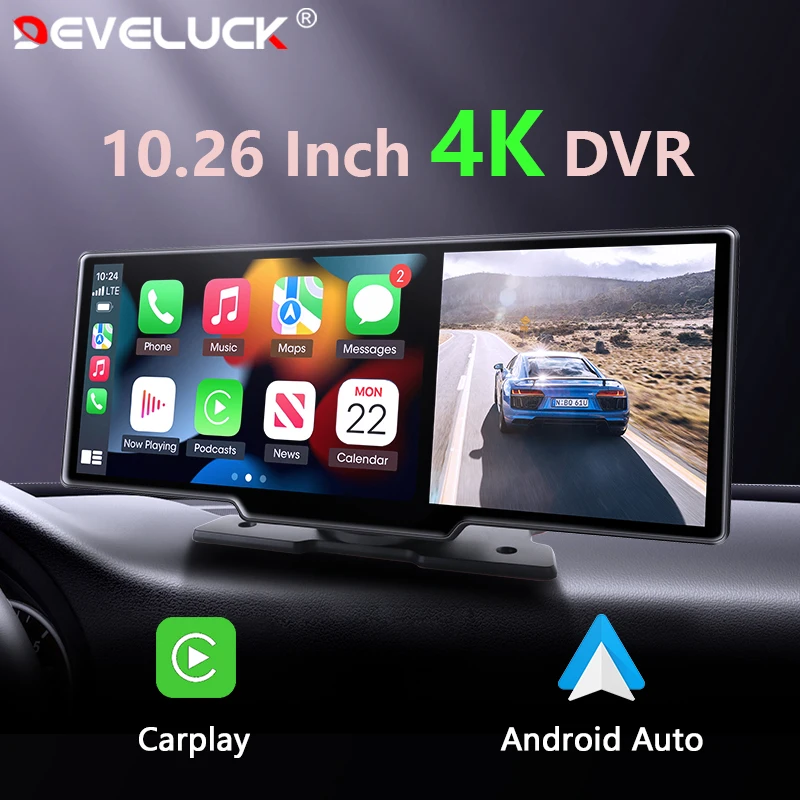
Develuck 2K Full HD USB ADAS Car DVR Dash Camera For Car DVD Auto Audio Voice Alarm Video Recorder&Android Multimedia Player

Price range: $49.15 through $67.51
- Battery Life: Connect car charger use
- Original Package: YES
- Touch Screen: no
- Screen Ratio: NONE
- Memory Card Required Reding Speed: Class 10
- View angle: 150 160
- Camera Resolution: 2560×1440
- Video Code: H.264
- Video Format: AVI,MP4
- Special Features: G-sensor,Digital Zoom,Anti Surge Voltage Impact,Anti Fog,Anti Vibration,Real Time Surveillance,Wide Dynamic Range
- Max External Memory: 128G
- Number Of Lenses: 1
- Imaging Sensor: Cmd Ov7950
- Pixels: 500Mega
- Display Size: <3"
- OSD Language: Chinese (Simplified),Chinese (Traditional),English,Japanese,Korean,Russian,Spanish
- GPS logger: NONE
- Interface: USB2.0,Micro SD/TF
- Battery: None
- Assembly Mode: Hidden Type
- Chipset Manufacturer: Other
- Frames Per Second: 25
- Brand Name: Develuck
- Origin: Mainland China
- Item Type: Car DVR
- Certification: CE
Develuck USB CAR ADAS 2560*1440P Full HD Car DVR Dash Cam For Car DVD Auto Audio Voice Alarm Video/Android Player Navigation Head Unit

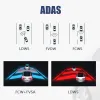
ADAS Function
When the device detects the vehicle in front to close, it will alarm to remind motorists to pay attention to road conditions or abnormal vehicle.
- The device driver unconscious deviate from the original lane when the lane departure alarm is automatically triggered.
Basic Function Loop recording


Drowsy or distracted driving greatly increases the chance of an accident on the road. The LDWS will alert the driver with English voice when the vehicle goes off lane in a speed over 50 km/h.
Floating window function:


Q: How do I install the DVR application?
A: We have reinstalled the application in dvr, just connect to your car radio, enter the file manager, find the Buildwin USB drive, click to enter, and then click to run "DVR.apk" to install and then complete;
Q: How to make ADAS work properly?
A: Enter the settings of the DVR application, find ADAS, and turn on all functions. It may be necessary to update the software. It is easy. Just connect to the wifi and click Update;
Q: Can dvr be connected to a phone or have wifi / Bluetooth capabilities?
A: No, not all of them are supported;
Q: How to watch the video recorded by DVR?
A: DVD is just to watch the video in real time. If you want to watch the video, please remove the SD card and then use a card reader to connect to the computer to watch;
Q: How do I install the DVR application?
A: We have reinstalled the application in dvr, just connect to your car radio, enter the file manager, find the Buildwin USB drive, click to enter, and then click to run "DVR.apk" to install and then complete;
Q: How to make ADAS work properly?
A: Enter the settings of the DVR application, find ADAS, and turn on all functions. It may be necessary to update the software. It is easy. Just connect to the wifi and click Update;
Q: Can dvr be connected to a phone or have wifi / Bluetooth capabilities?
A: No, not all of them are supported;
Q: How to watch the video recorded by DVR?
A: DVD is just to watch the video in real time. If you want to watch the video, please remove the SD card and then use a card reader to connect to the computer to watc
No ratings yet
Reviews
There are no reviews yet.